

Choose how your campaign’s ads run
In your campaign, open Settings and scroll to Ads: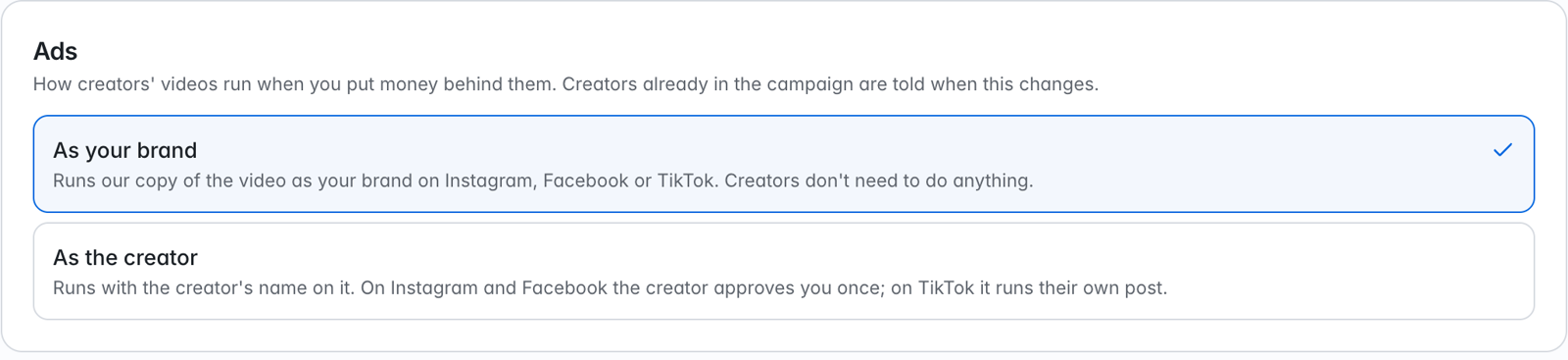
- As your brand runs NewWave’s copy of the video from your Page and Instagram, or your TikTok account. Creators don’t need to do anything.
- As the creator runs with the creator’s name on it. On Instagram the creator approves your brand once; on TikTok it runs their own post.
Create the ad
1
Open a posted video
In the campaign, open Tickets → Published and click a video. Click Actions, then Run as ad.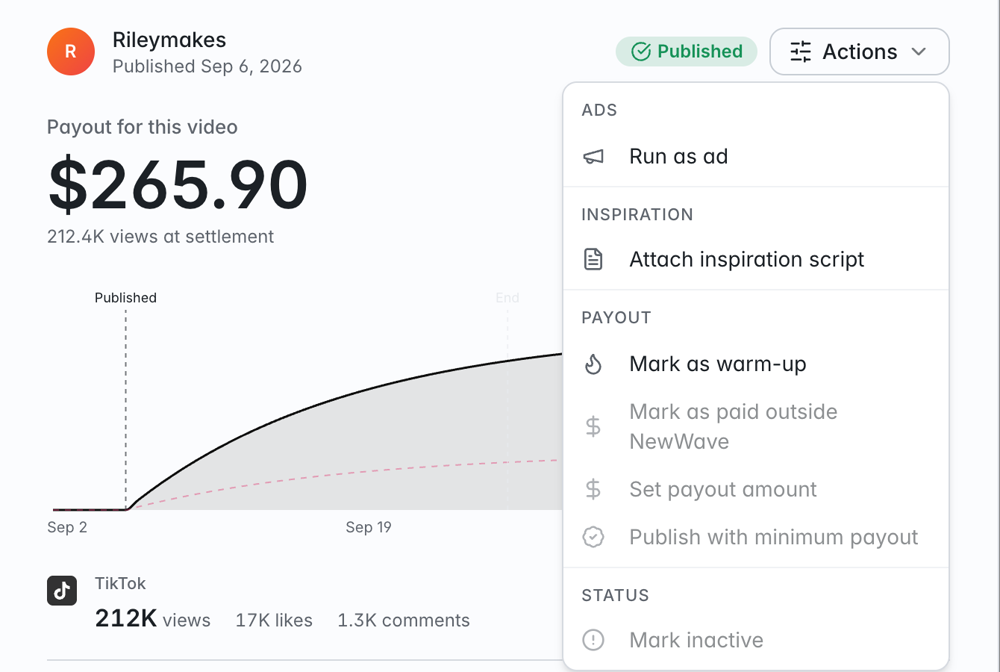
2
Pick the platform and how it runs
Choose Meta or TikTok, then one way: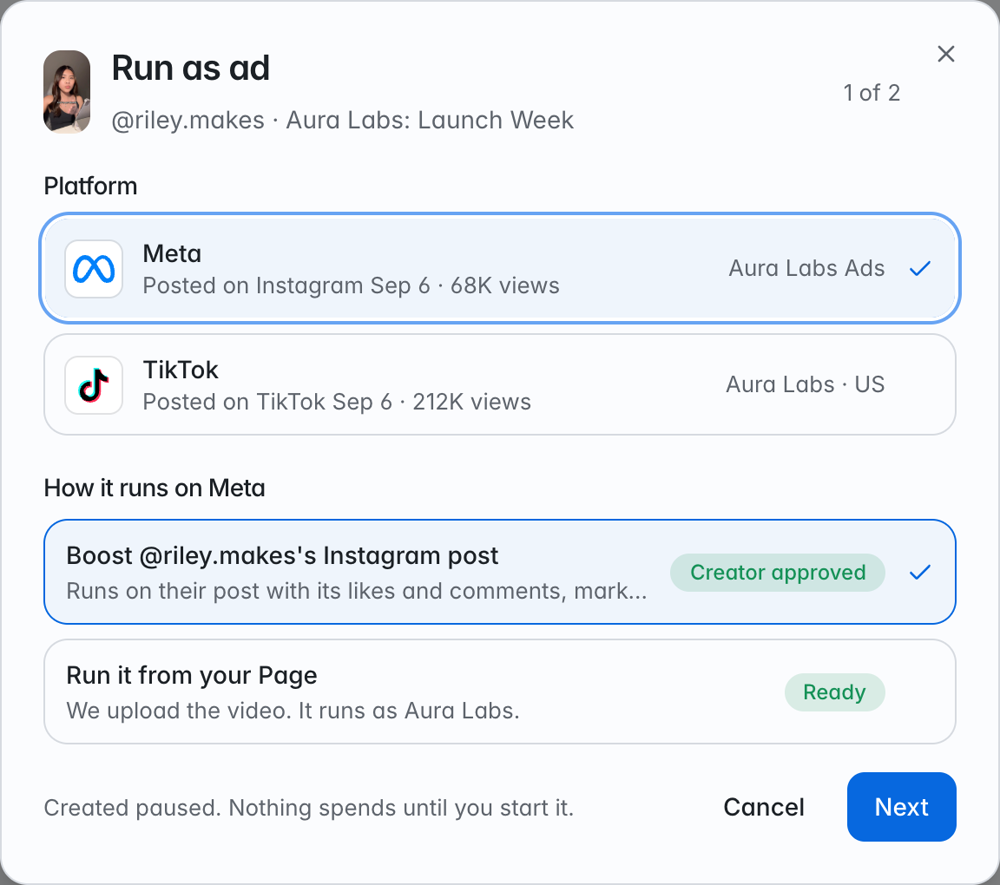
- Boost @creator’s Instagram post or Spark @creator’s TikTok post: runs the creator’s post itself.
- Partnership ad with @creator: runs NewWave’s copy from the creator’s Instagram, marked Paid partnership. Offered when the creator’s post can’t be boosted.
- Run it from your Page or Run it from your TikTok account: runs as your brand.
3
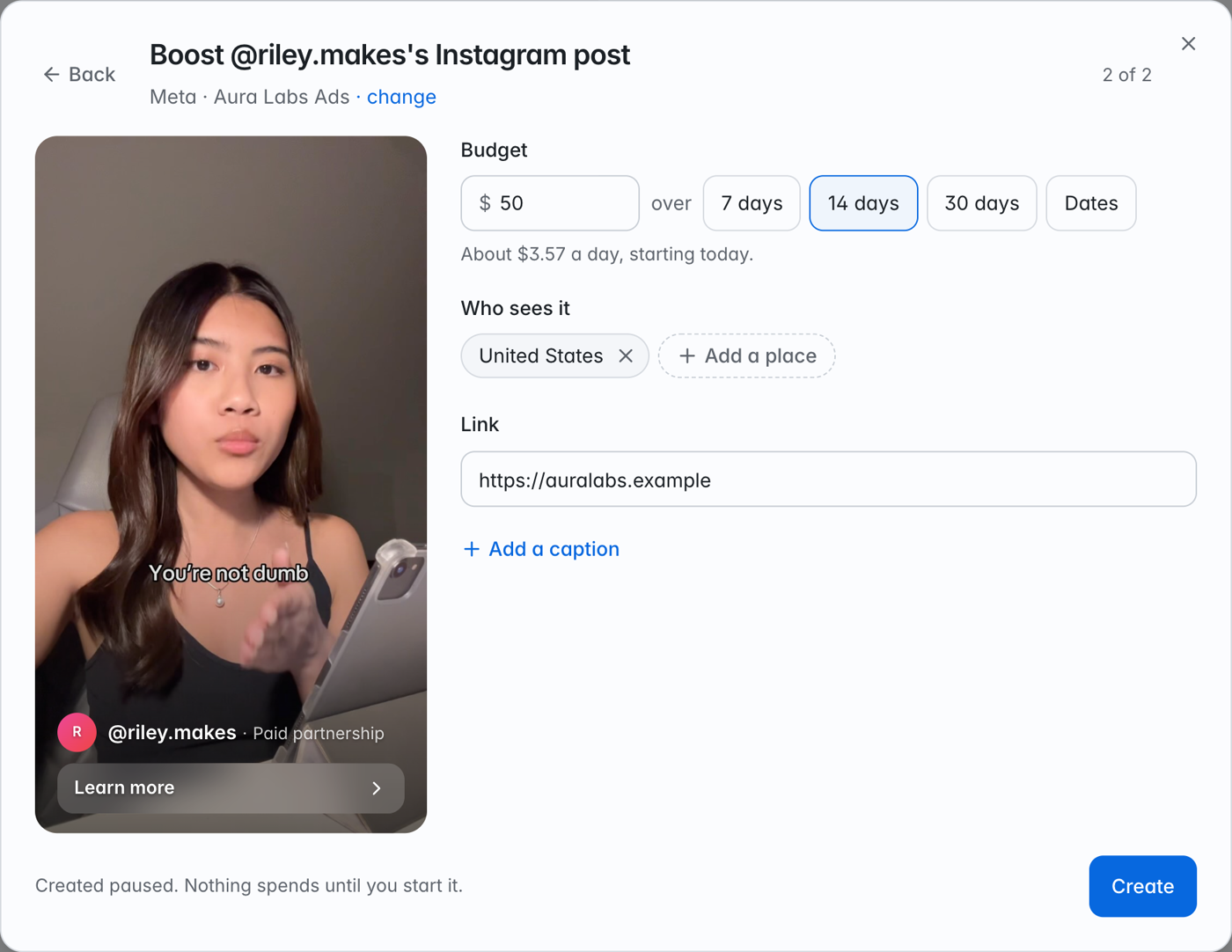
Set the budget, audience, and link
- Budget is the total for the whole run, over 7, 14, or 30 days, or Dates you pick (up to 365 days). The pace per day shows under it.
- Who sees it lists the countries, regions, or cities to show the ad in. Your first ad starts with the ad account’s country. Click Add a place for more.
- Link is where the ad’s button sends people. It starts as your workspace website.
- Add a caption is optional on Meta. TikTok needs one.
4
Create
Click Create. Uploading a video can take a few minutes. The ad is created paused.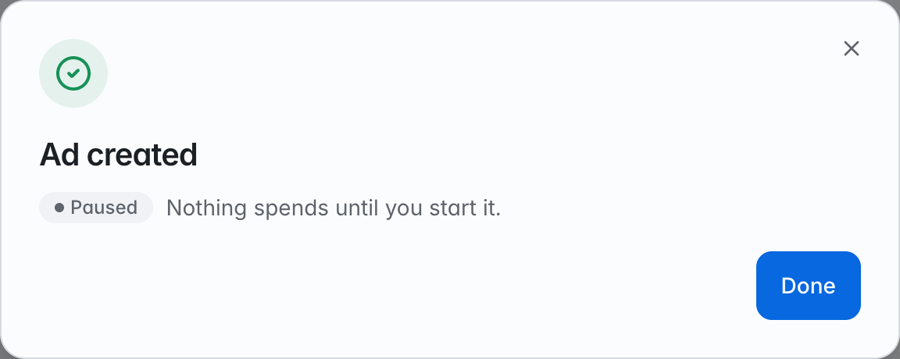
Start, pause, and track
The Ads page lists every ad in the workspace, across all campaigns, with total Spend, Impressions, Clicks, CPM, and Running now. Filter by All, Running, Paused, or Needs attention. A video’s own ads also show on the video.- Start sends the ad to Meta or TikTok. The platform reviews it first, so it shows In review before it delivers.
- Pause stops spending. You can start it again later.
- Edit anything else, such as bids, audiences, or placements, in Meta or TikTok Ads Manager. The ad is an ordinary ad in your account.
Next steps
Creator approval on Instagram
Run an ad with the creator’s name on it.
Troubleshooting
What each message means and how to fix it.